How to use Lorofy
A quick start guide to achieving your focus milestones
Onboarding Guide
Choose focus & plant type
Choose your duration, companion type, and select your botanical asset to grow.
Get ready to focus
Tap grow, put your phone face down, and let your companion work.
Harvest and grow
Completing your timer unlocks rare flora assets. Leaving early will cause seedlings to wither.
Deep-Dive Mechanics
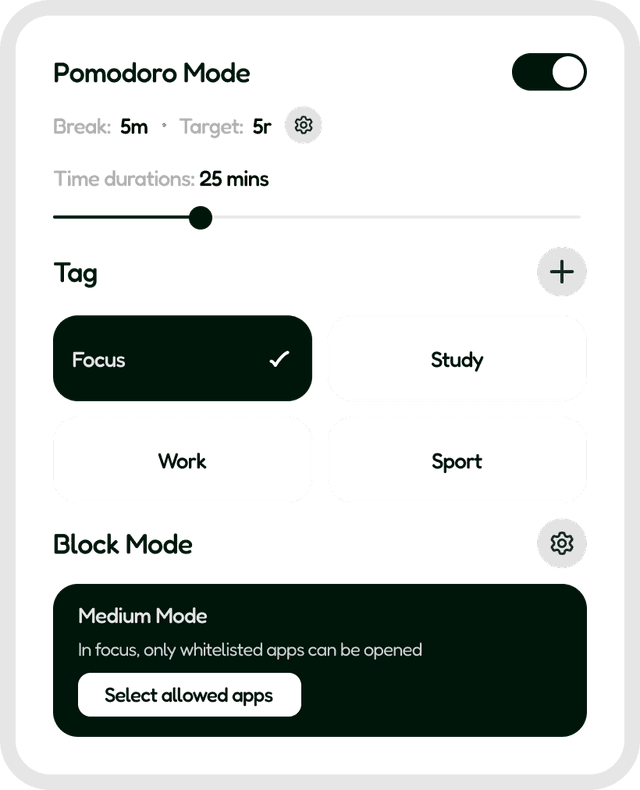
Focus Modes (Pomodoro & Block)
Set pomodoro cycles, lock focus windows, and restrict usage of chosen distracting applications.
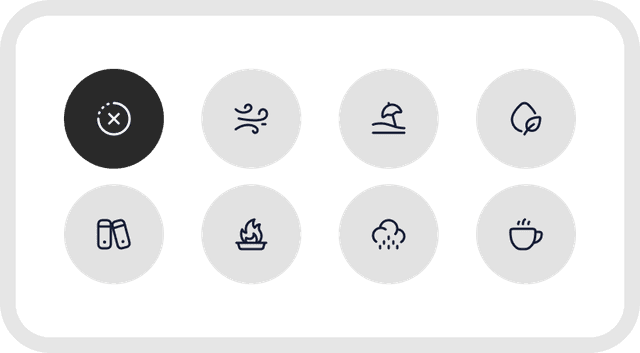
Ambient Sound Picker
A curated set of ambient sounds including soft rain, forest winds, and brown noise to shield you from noise.
Leaderboards & Community Achievements
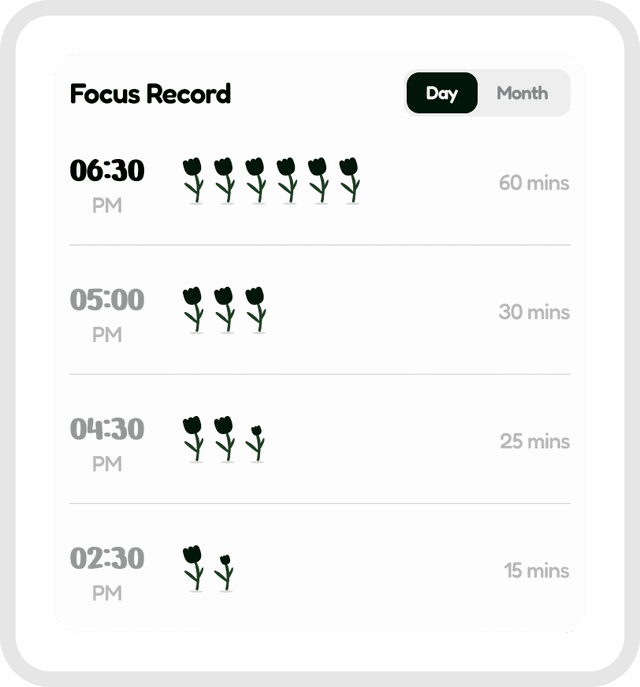
Compete with friends, climb weekly ranks, and earn special badges for long-run streaks.

Rare Plant Collection
Acquire rare flora seeds and expand your garden blocks. Watch your plants flourish.
Frequently Asked Questions
Quick answers to help you get the most out of your focus sessions
What happens if I receive a phone call during a focus block?
Lorofy allows for incoming emergency calls, but leaving the app to check other apps will pause or wither your plant.
How do I lock focus mode?
Turn on the Hard Lock settings in your focus settings pane. This prevents you from pausing the timer once started.
Is my focus history synced across devices?
Yes, cloud sync is included for all users. You can review metrics on both Android and iOS devices.
Can I customize the background soundtrack?
Yes! You can load customized background audio tracks and adjust duration fade-ins.
Is Lorofy free to use?
Yes, Lorofy's core tools, focus timer, and basic plants are completely free. Upgrade to Premium for advanced stats.
Can I share my plants with my friends?
Yes, you can export high-quality screenshots of your botanical assets or share your leaderboard links.

Want to remove a withered sapling?
If you check out early or break focus parameters, a withered tree will appear in your terrarium. Don't worry! You can clear it instantly to restore balance, or keep it as a proud monument to real-world interruptions.
Pro Tips for Mindful Focus
Clear Desk, Clear Mind
Keep your physical study desk organized and set your phone out of arm's reach.
Hard Lock Focus Mode
Enable hard lock settings to build self-discipline and minimize phone pickup impulses.
Use the Ambient Sounds
Turn on forest ambient loops to mask distracting background hums and chatter.
Streaks Matter
Growing just 1 plant a day keeps your streak multiplier active and boosts focus coin yields.